
Checklist- A Well-Designed Training Room
ContactPointe’s checklist for training room requirements details the critical features. Rent a well-designed training space to maximize learning.
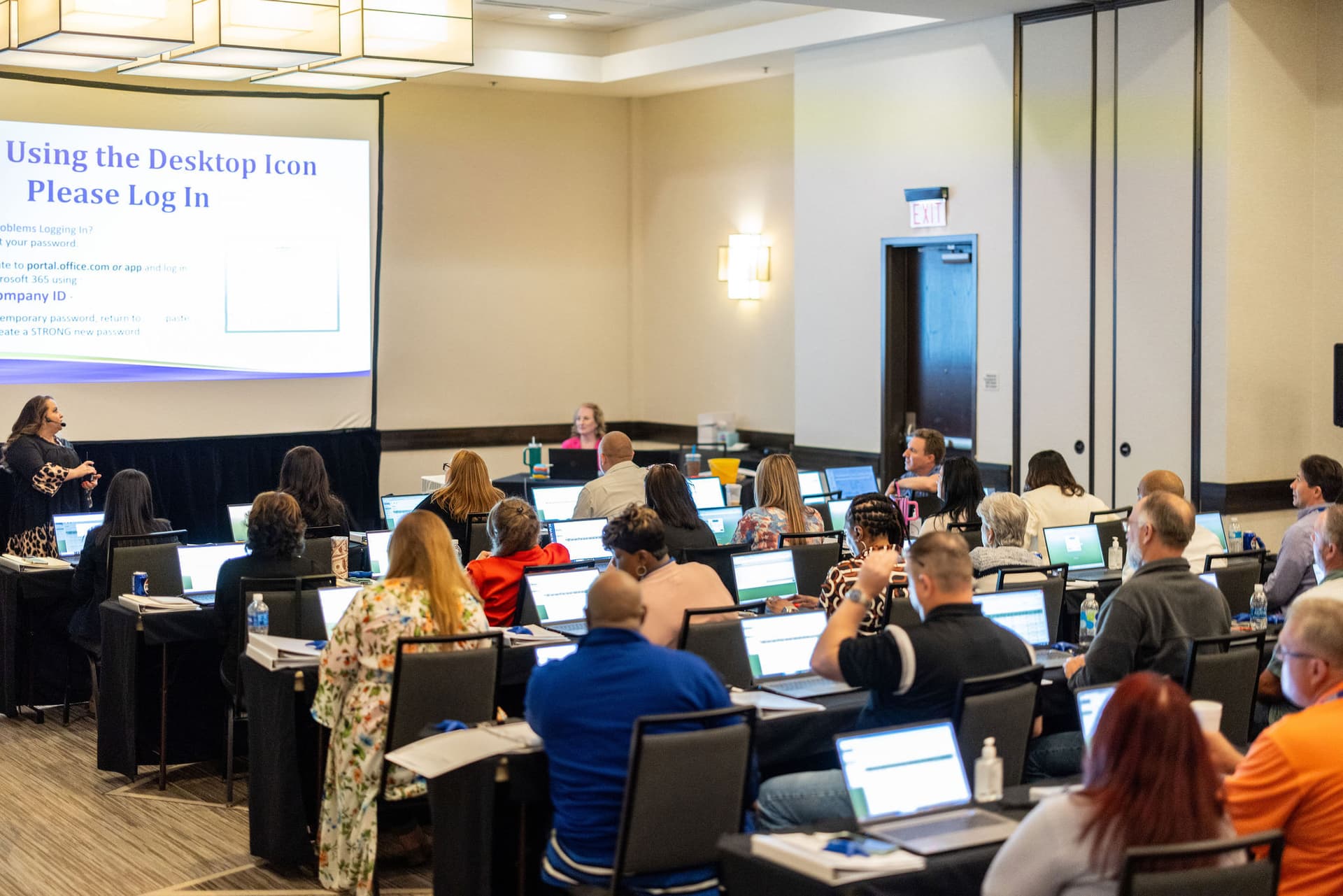
A well-designed training room supports learning as well as logistics. This checklist, based on ContactPointe's original resource, covers physical space, breaks, technology, and furniture. Verify each detail with the venue for your course.
Boost the learning experience
Check sightlines, clear walkways, sound, lighting, power, connectivity, and layout against the class activities before confirming setup.
Physical room and participant comfort
- Room size and ceiling height: Check that the planned layout leaves enough space for people, furniture, movement, and visual aids. ContactPointe's source checklist suggested roughly 20–25 square feet per person and ceilings of at least nine feet; treat these as the source's planning guidance and confirm actual suitability with the venue.
- Noise and acoustics: Ask whether HVAC or activity outside the room could interfere with instruction, and check how clearly people can hear from the back of the room.
- Access and wayfinding: Confirm accessible entrances, routes, room hardware, restrooms, and signage, and provide clear directions for attendees.
- Walls and lighting: Identify usable whiteboard or projection surfaces and whether lighting can be adjusted without making note-taking difficult.
Break areas, furniture, and room layout
Check for a nearby place where participants can take breaks and, if the agenda includes it, eat or gather informally. Verify the location of restrooms and any food-service area. The room plan should reflect the activity: classroom rows for instructor-led presentation, a U-shape for discussion, or pods for group work. Confirm that participants can move safely between seats and that the instructor can reach the screen and equipment.
Furniture affects both comfort and how easily the class can change activities. Ask about chair support and adjustability, table dimensions, and whether tables can be moved or nested. For device-heavy classes, make sure table surfaces and power access suit the equipment without leaving cables across walkways.
Technology checks before the class
- List computers, operating systems, applications, and peripherals required by the course; arrange installation and testing before participants arrive.
- Specify projector, screen, audio, microphones, whiteboards, lectern, and any video or screen-sharing needs.
- Describe internet use, expected simultaneous connections, bandwidth needs, wired access, VPN, and any security restrictions; test the actual applications where possible.
- Confirm outlets and power access at participant and instructor work areas, plus the technical contact and support hours for the event.
Confirm the final setup
Send the venue the room layout, equipment list, access time, test requirements, and day-of contacts. Request written confirmation and resolve limitations before participants arrive.
Explore Our Services
Find related services and planning resources for your event.
Ready to Get Started?
Get a quote for training rooms, laptop classrooms, or meeting spaces